ListAndFuse allows you to ask an internet user to visit your website so that he can share his impressions regarding user experience and design. Each review includes a link that allows visitors to access your site. What do you have to do in return? Simply do the same for someone else you don’t know. ListAndFuse will assign you a website to visit so you can leave your impressions based on the same criteria.
All of this takes less than 5 minutes, and here’s how it works.
1- Go to the registration page
Go to the ListAndFuse sign-up page, carefully read the main points until you reach the acceptance of our terms and conditions. Take this opportunity to read them, and also review our Privacy Policy. Please note that we will not use your email address for commercial purposes.
Once you have accepted the terms, the chatbot appears.
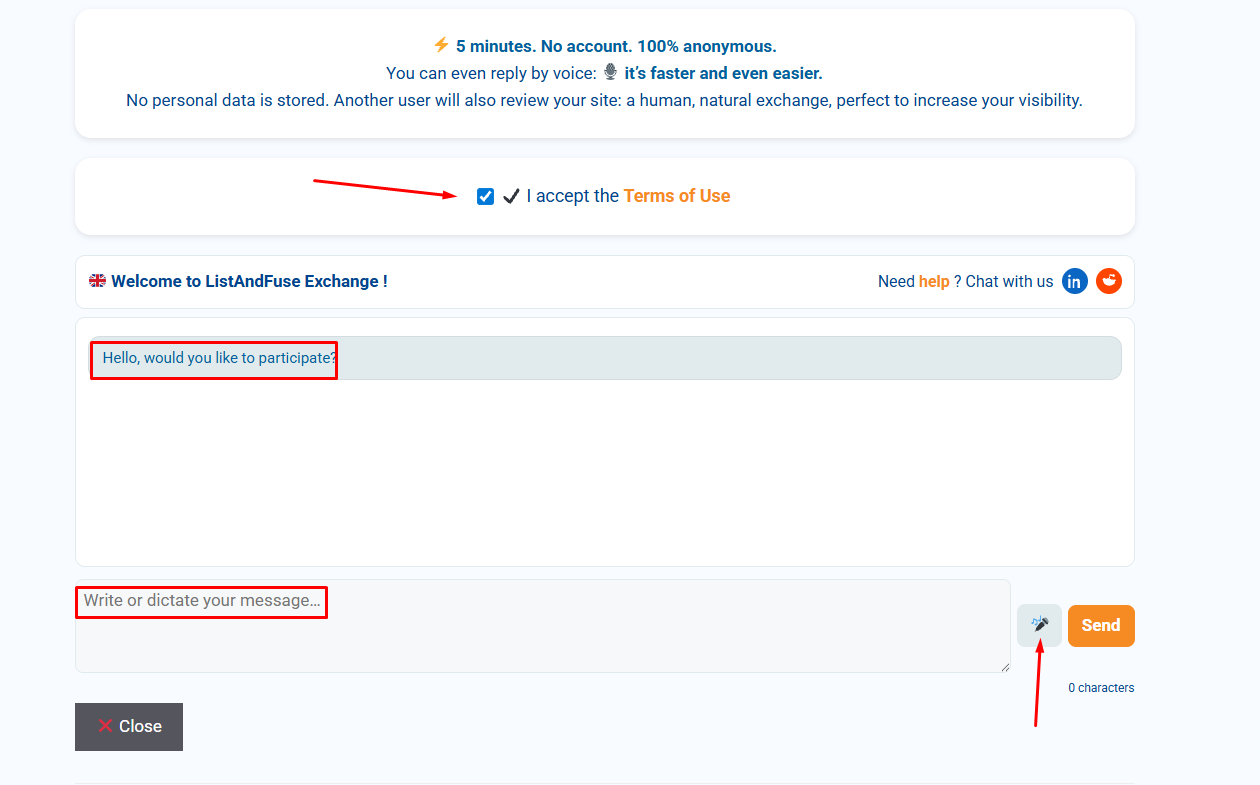
2- Answer the chatbot’s questions
Our chatbot is powered by artificial intelligence, but the reviews are 100% human. The chatbot will first ask for your email address, which will be used to send you transactional emails.
It is not possible to answer the ListAndFuse chatbot questions using copy and paste. Responses must be typed using the keyboard or entered by voice using the microphone.
This ensures that you cannot use artificial intelligence to answer questions about the site’s design and UX. In addition, the questions are random and shuffled for each review.
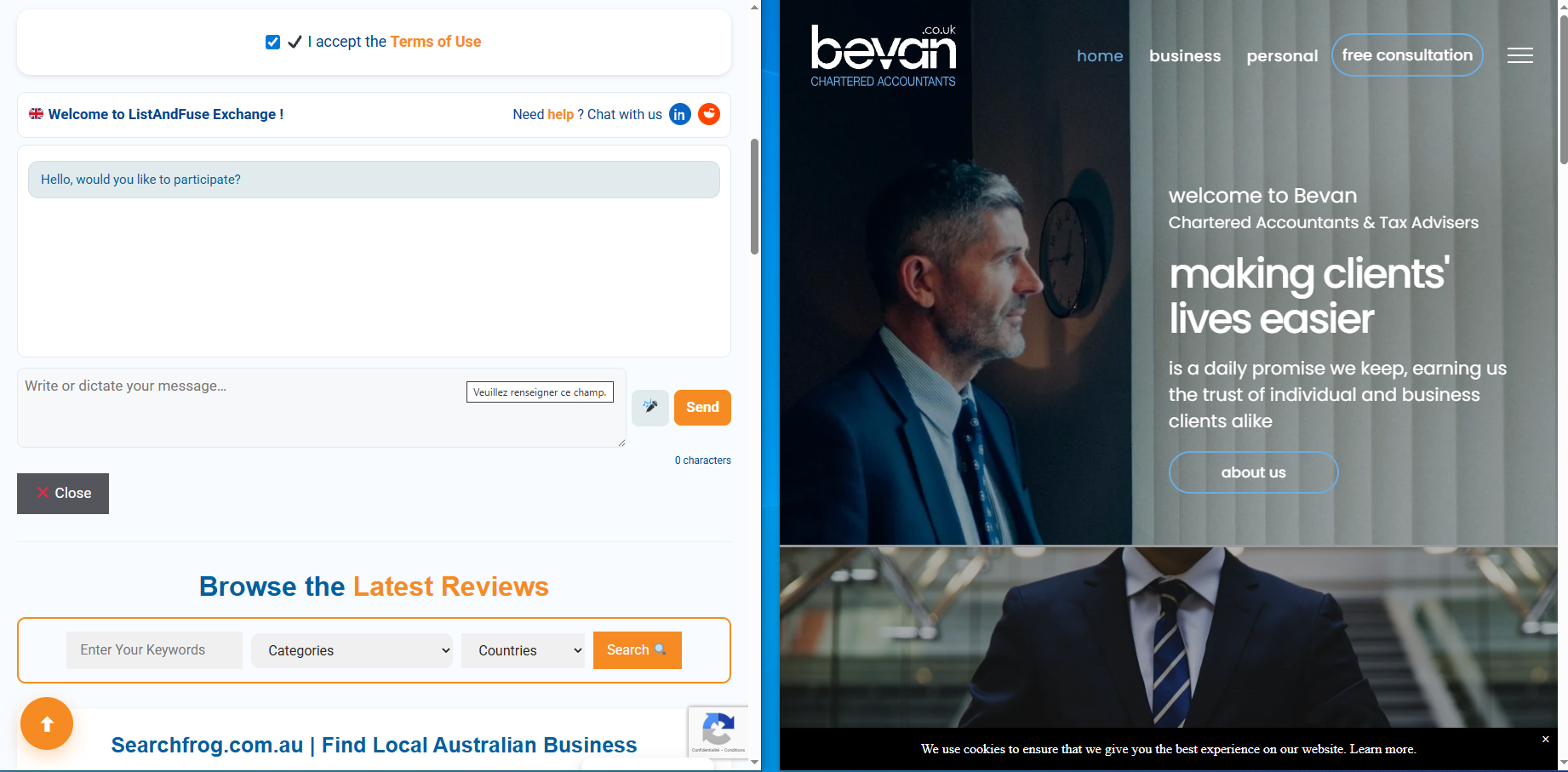
We encourage you to answer the chatbot’s questions using the microphone. Keep it simple: split your screen into two windows:
- one window with the ListAndFuse chatbot
- one window with the website to be reviewed.
This method has the advantage of encouraging you to respond naturally to the questions, sharing your impressions as you browse the third-party website.
3- Content is created as you answer
Our chatbot will ask you 4 questions: the first question will serve as an introduction, and the next three questions will become H2-style paragraphs. The chatbot will also ask questions that require short answers; these short answers will be used to create the URL, the H1 title, and the meta title. The meta description will reuse the first lines of the introduction.
We therefore designed the first question—the one that generates the introduction—to include as much semantic relevance to the website itself as possible. To be clear: our questions are designed so that the introduction includes keywords and key phrases.
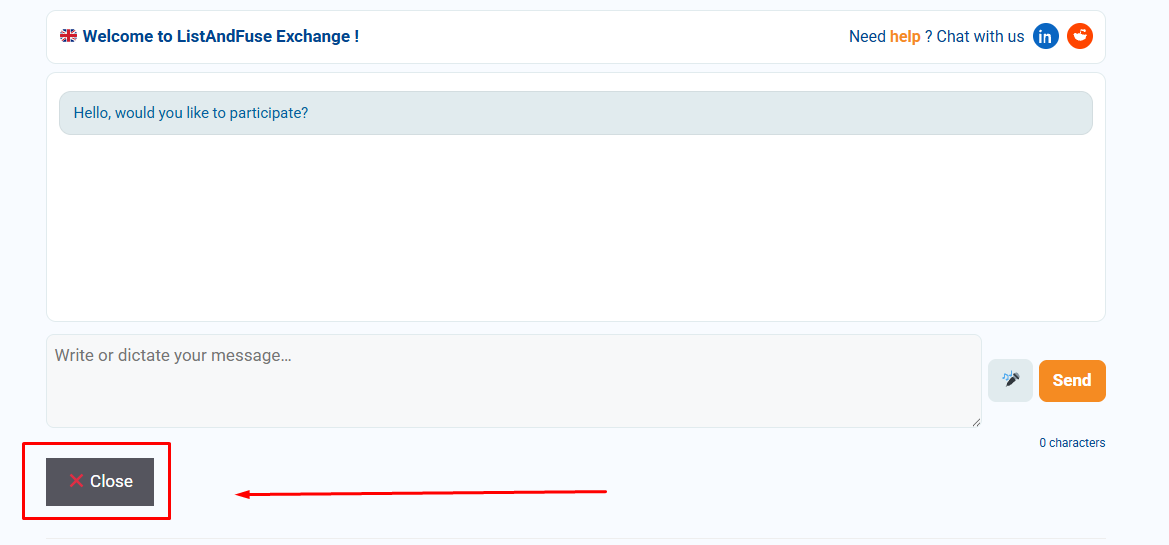
You can stop at any time by clicking the Close button, which will result in all your answers being deleted from our database.
Once you have submitted your answer to the 4th question, our chatbot will show you a summary of your review. You can either validate it or reject it. If you reject your review, it will not be published and all data will be immediately deleted from our database.
If you accept your review, it is published immediately, and our chatbot will show you the link so you can visit it.
4- Wait for someone to visit your site shortly
As soon as you validate the review of another user’s website, you receive a first transactional email. This first email provides you with the URL of the review of the site you visited and reminds you that your own site will be visited soon.
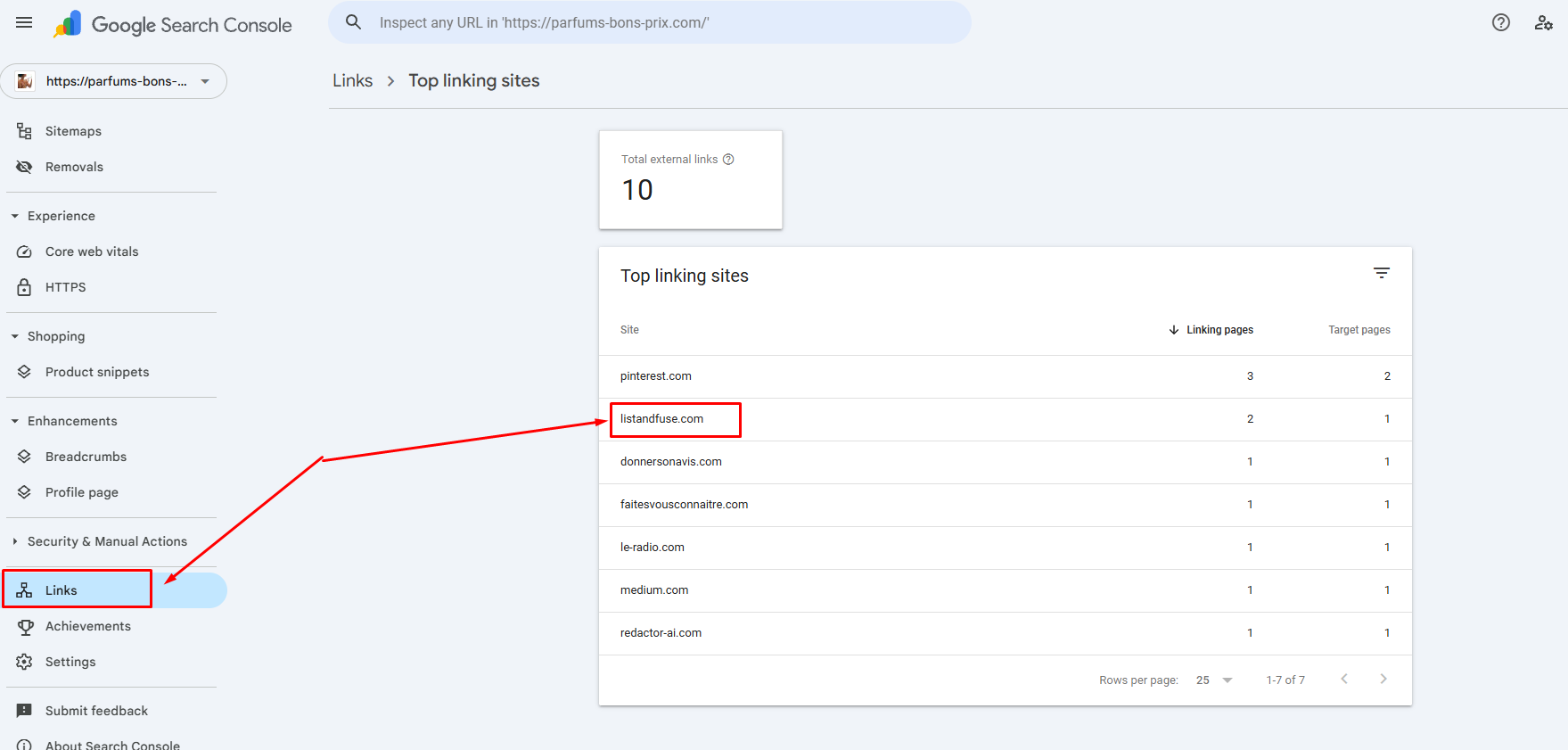
And indeed, when another user has visited your own site and validated their review, you immediately receive a second transactional email with the link to the review of your own website. Wait a few days, and you will see this URL appear in your Search Console under the “Links” section.
5- What should you do once the review of your own website has been published by someone else?
The UX structure of ListAndFuse is designed to facilitate internal navigation. Our search engine, in particular, allows visitors to navigate from review to review to find the one that suits them best.
This user engagement helps ListAndFuse to be well regarded by search engines. However, you can improve the “SEO juice” of your review by adding your own external links. But be careful, choose the right external links!
Share the link to your website’s review in your newsletter, and add it to your social networks, for example by communicating along the lines of: “people are talking about us” or “our website is getting good feedback”.
Also, take this opportunity to check whether you have properly listed your site on these 12 free platforms with very high traffic.
Remember that the publication lasts 365 days. At the end of this period, you will receive a transactional email inviting you to restart the process so that other internet users can provide another review of your website.
If you’re not convinced yet, feel free to contact us on Reddit, or on our LinkedIn page. We’ll be happy to answer all your additional questions.